<span data-metadata=""><span data-buffer="">Visits by appointment
<span data-metadata=""><span data-buffer="">Shipping
<span data-metadata=""><span data-buffer="">Freaksite
There is no VAT in the amount. This is a so-called tax margin product. So there is no VAT to be taken out of the product. There is also no VAT on top of the amount.
This is a VAT product. The amount is inclusive of VAT. Businesses outside the Netherlands and individuals and entrepreneurs outside the EU can purchase without VAT. Please contact us for this.
VAT-exempt product
Euro 400,00
In stock (can be backordered)
In stock. This means we have the product here in our warehouse. Once you place an order, we’ll process it as soon as possible—often shipping it the same day, depending on the time of day and our shipping carrier—or the next business day. You’re also welcome to pick it up. Feel free to ask any questions!
This product is available for order. This means that we don't have it in stock, but we forward the order to the distributor immediately after it is placed.
They almost always have it in stock, so it usually only takes a few days for us to receive it and ship it right away. Or we’ll send you a message if you let us know you’d like to pick it up from us. Feel free to ask any questions!
Nice that you want to drop by. Continue with the ordering process, here you can later choose pickup or shipping. When picking up, we will contact you so we can schedule the shoptour. We like to make it a fun visit. See you then!
Products likely on a pallet? Submit your request here .
Are you an entrepreneur outside the Netherlands? Then VAT reverse charge is only possible with a VAT number registered outside the Netherlands. Please feel free to message us with any questions or comments!
Do you live outside the EU? Then buying without VAT is only possible if both the billing address and the shipping address are outside the EU. Please feel free to message us with any questions or comments!
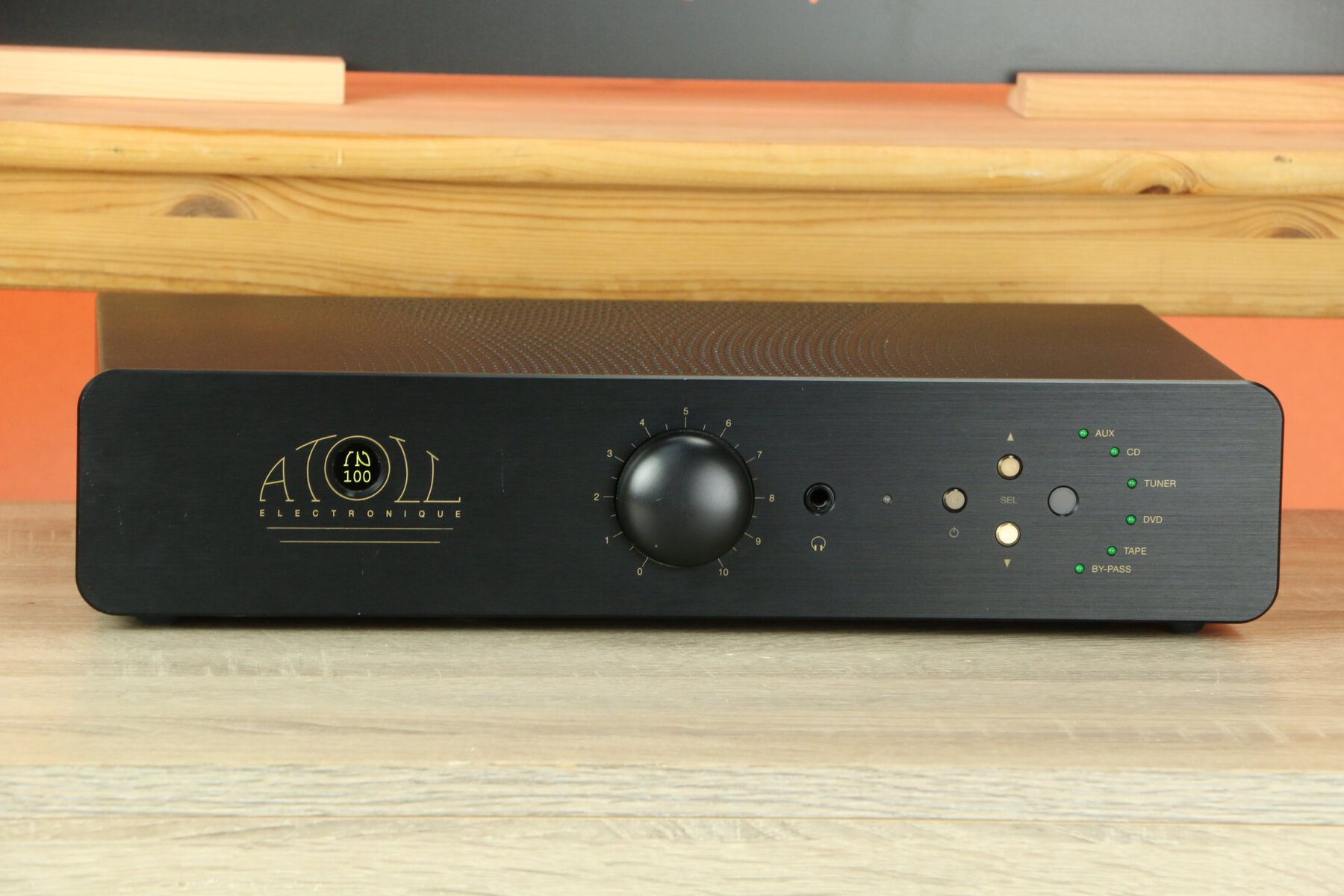
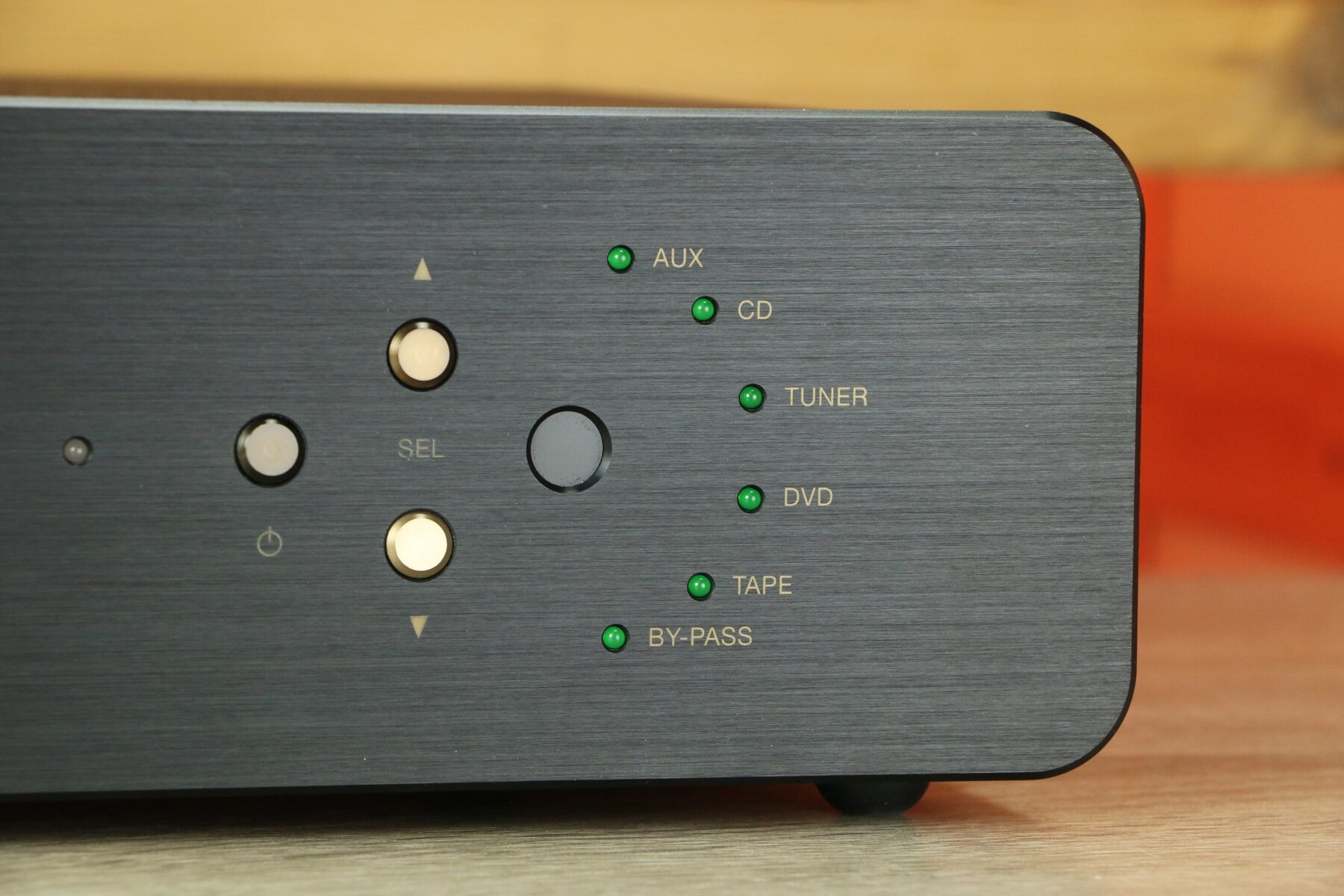
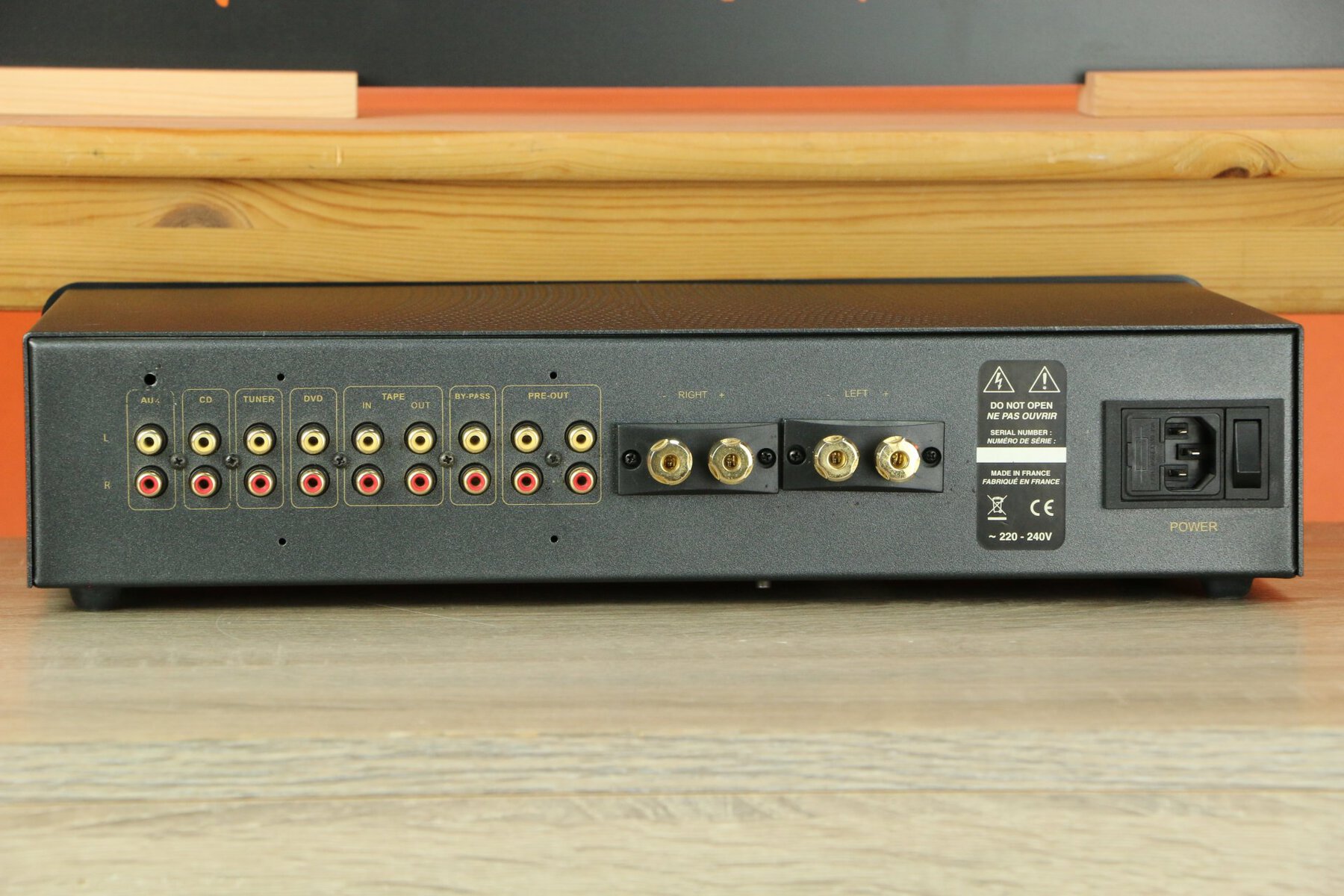
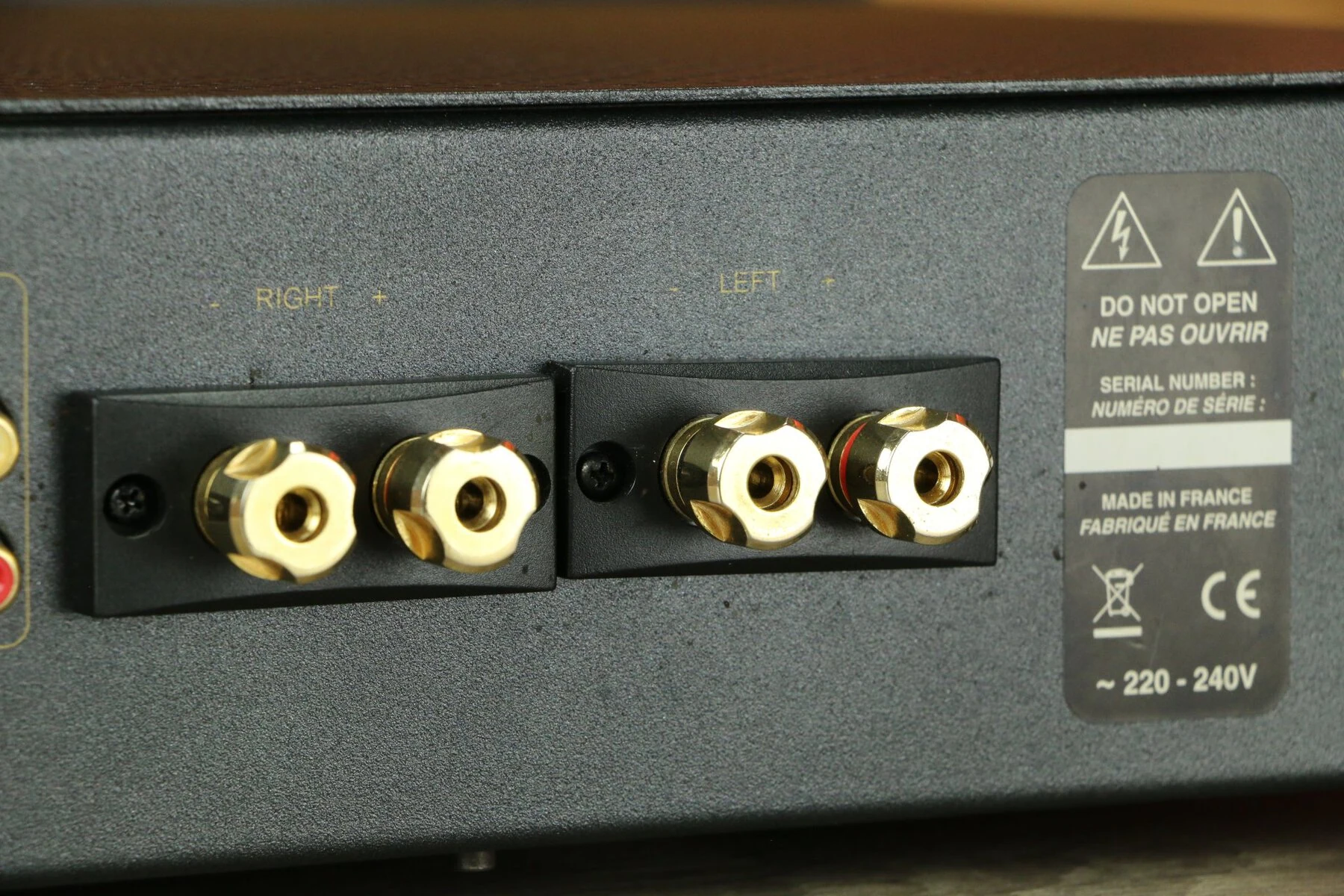
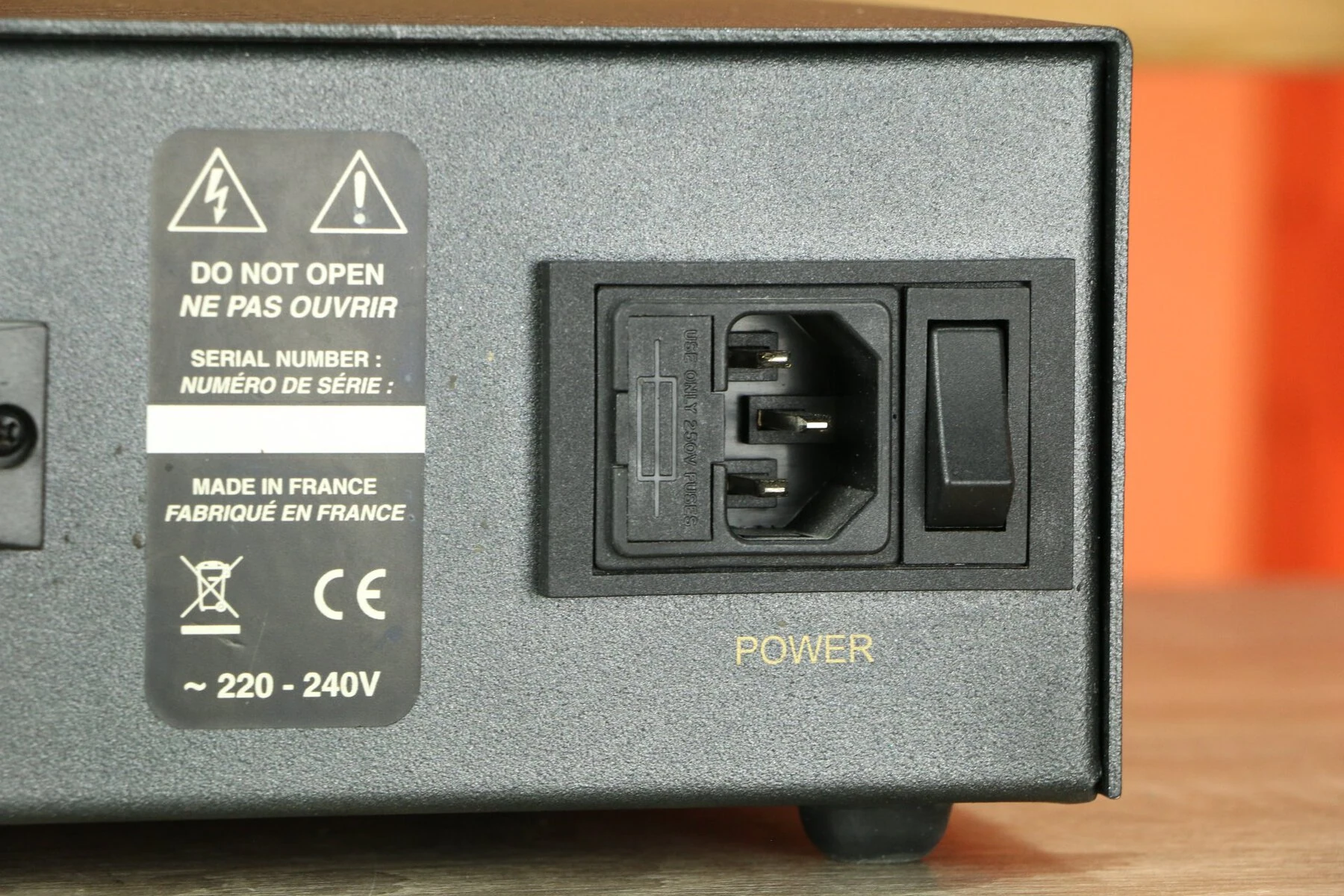
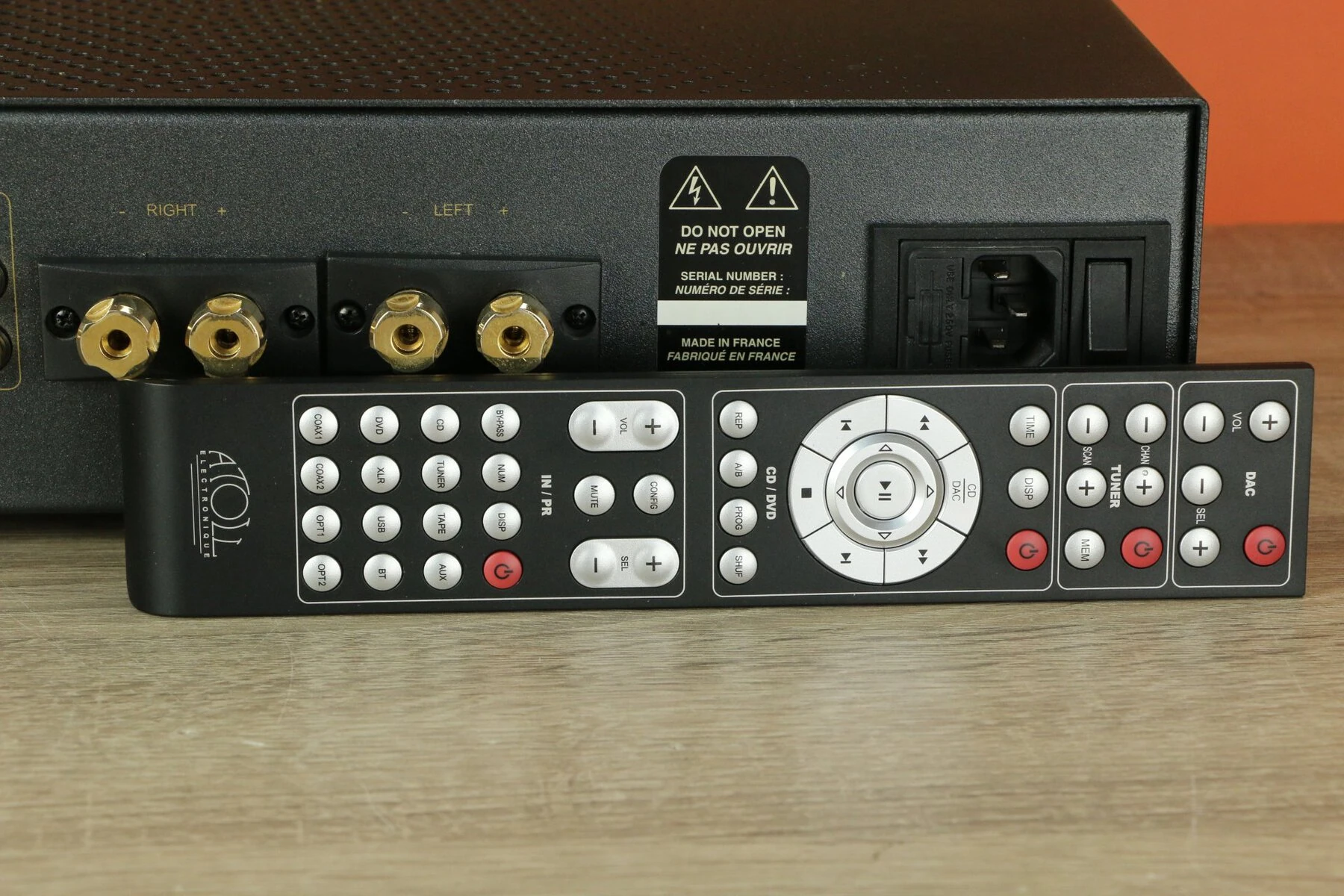
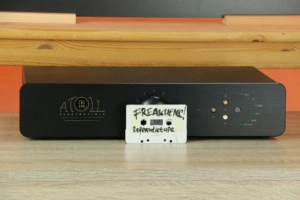
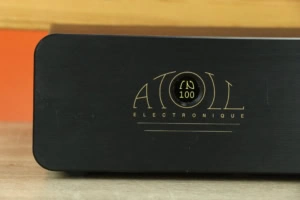
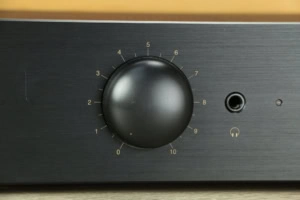
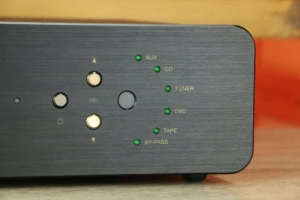
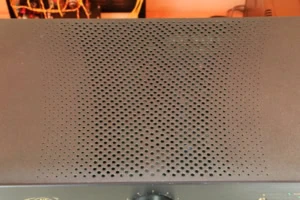
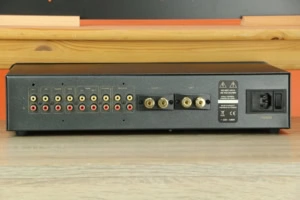
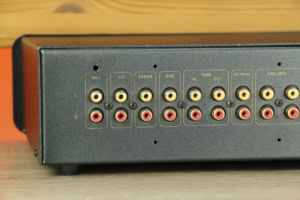
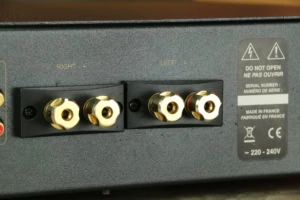
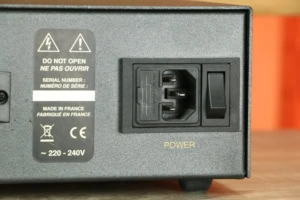
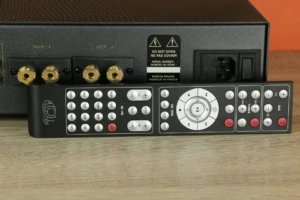
Thanks to its premium build quality and use of selected components, the Atoll IN100 Signature delivers a sound that is both warm and analytical. Dual toroidal transformers and carefully designed circuitry contribute to stable and reliable operation, resulting in a consistent listening experience.
Considering adding the Atoll IN100 to your audio system? Schedule a listening session to experience the qualities of this integrated amplifier for yourself, or contact us to discuss trade-in options.
Thanks to its premium build quality and use of selected components, the Atoll IN100 Signature delivers a sound that is both warm and analytical. Dual toroidal transformers and carefully designed circuitry contribute to stable and reliable operation, resulting in a consistent listening experience.
Considering adding the Atoll IN100 to your audio system? Schedule a listening session to experience the qualities of this integrated amplifier for yourself, or contact us to discuss trade-in options.









Your daily scroll!
Products
New and used gear. Check reviews, videos, brand history and more.
Freakboard!
Always something to discover.
Live shows, playlists, setups, sessions, tips and nonsense.
Open the Freakboard!
Listening rooms
They drag you into other worlds. Time blurs. See them now, experience them later.
Freaknews!
Go to the Freakboard! and sign up for our newsletter. No Fake News, Audio Only!
Brands page
Toss a coin in the jukebox and discover our brands.
Freakcons!
These audio icons can be found throughout the site. Click and discover the audio history.
Information page
For those who really want to know everything about Freakuence!
Found you!
We ship worldwide!
If you order through our webshop, free shipping applies to the countries listed below:
Belgium, Bosnia and Herzegovina, Bulgaria, Denmark, Germany, Estonia, Finland, France, Greece, Hungary, Ireland, Iceland, Italy, Croatia, Latvia, Liechtenstein, Lithuania, Luxembourg, Monaco, Netherlands, Norway, Austria, Poland, Portugal, Romania, Serbia, Slovenia, Slovakia, Spain, Czech Republic, United Kingdom (UK), Sweden and Switzerland.
For shipments to other countries, we will contact you. You can place your order in advance without checkout, then you can be sure of the product. Then you can decide if the shipping costs are acceptable to you. If not, we will cancel the order. You can also send us a message first to inquire about the cost.
We are adept at packing shipments properly so no worries. All shipments are 100% insured.